
Exploring ChatGPT’s New Image Generation Feature: Studio Ghibli-Inspired Artwork
How to Create Ghibli-Style Images? ChatGPT’s AI Art Takes Over Social Media Anime Fans Rejoice

OpenAI’s latest update to ChatGPT, powered by the GPT-4o model, has introduced a groundbreaking feature of native image generation. This allows users to create and edit images directly within the ChatGPT tool, offering a seamless experience of text and image creativity. One of the most trending things to emerge from this feature is the creation of Studio Ghibli-style paintings. Below, we’ll cover how this is achieved and guide you through the process.
What is the GPT-4o Image Generation Feature?
GPT-4o, released in March 2025, is a multimodal AI capable of producing text, images, and even videos. Unlike its predecessor DALL-E, this new feature integrates image generation into ChatGPT itself, allowing users to generate highly detailed and stylistically accurate images. It also allows one to upload existing images for editing or transforming, which makes it a highly useful feature for creators in various domains.
How to Generate Studio Ghibli-Inspired Images
Creating Studio Ghibli-style images with ChatGPT is simple yet powerful. Here’s a step-by-step guide:
Access the Image Generation Tool:
Open ChatGPT and ensure you’re using a version that supports GPT-4o (available to Free, Plus, Team, and Pro users).
Click on the three-dot icon on the prompt bar and select the “Image” option.
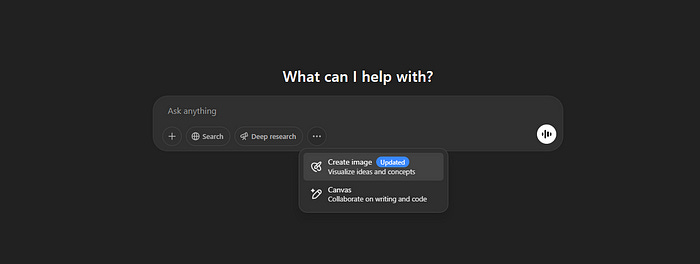
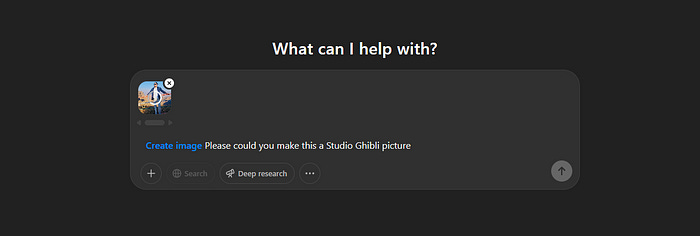
Enter Your Prompt:
Use a detailed prompt to guide the AI in creating your desired image. For example:
“Please could you make this a Studio Ghibli picture.”
The AI will interpret your request and generate an image inspired by Studio Ghibli’s signature aesthetic — soft color palettes, whimsical settings, and anime-style character designs.
Review and Refine:
Once the image is generated, review it for accuracy.
If adjustments are needed, provide follow-up prompts like: “Add more greenery in the background” or “Make the lighting softer for a magical effect.”
Download or Modify Further:
If satisfied with the result, download the image using the provided download icon.
Alternatively, use ChatGPT’s editing tools to refine specific areas of the image by selecting them and describing changes.
Example Output
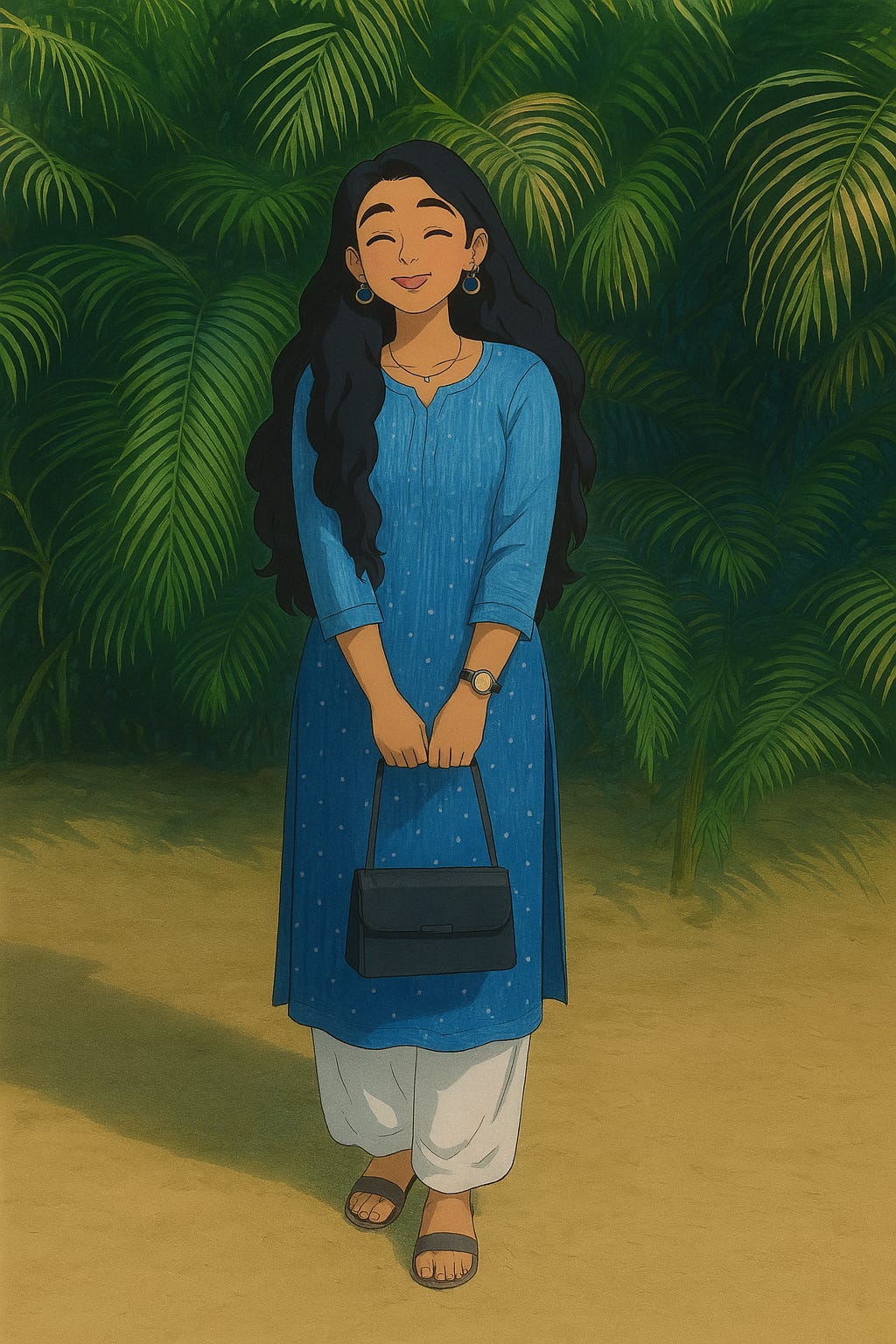
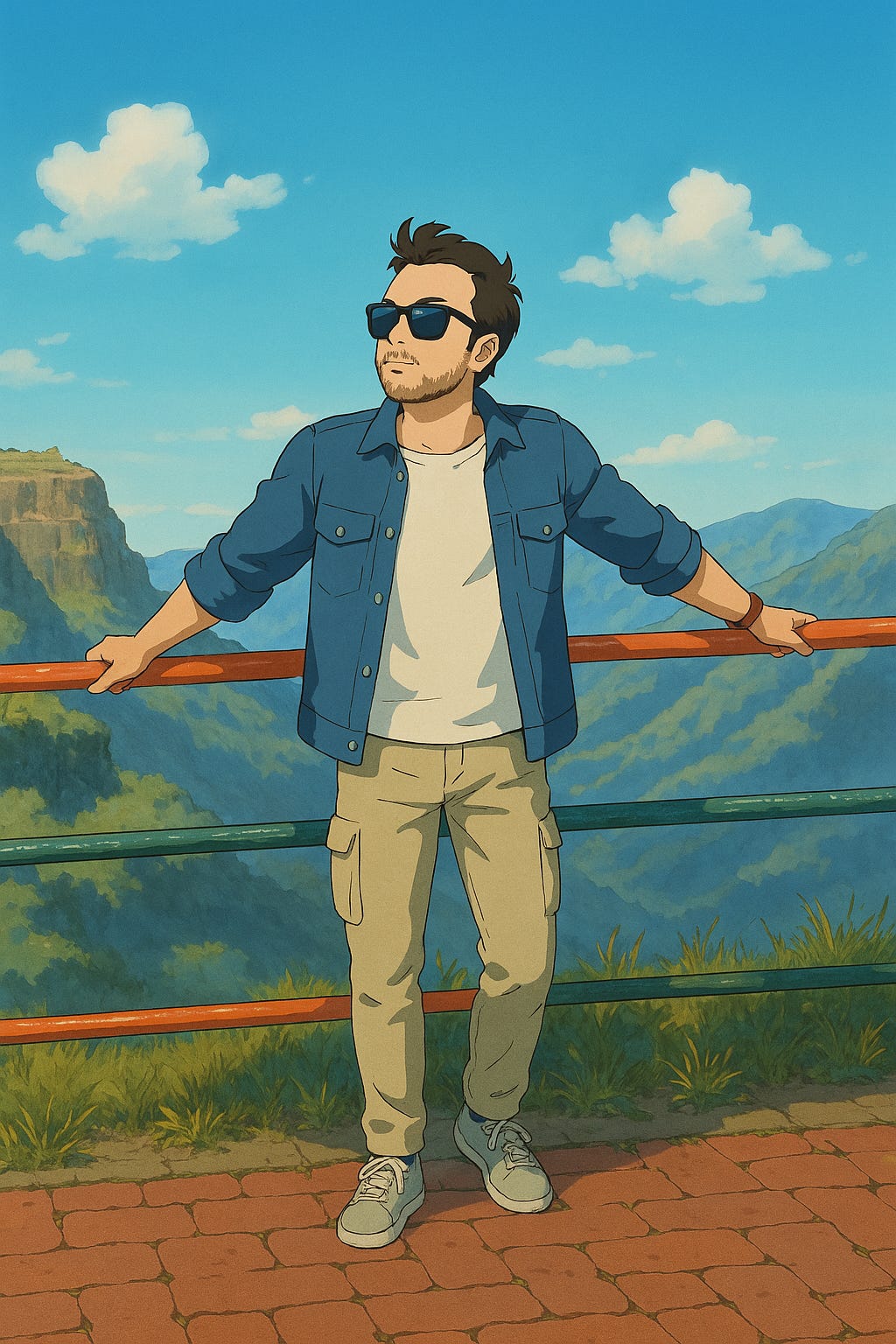
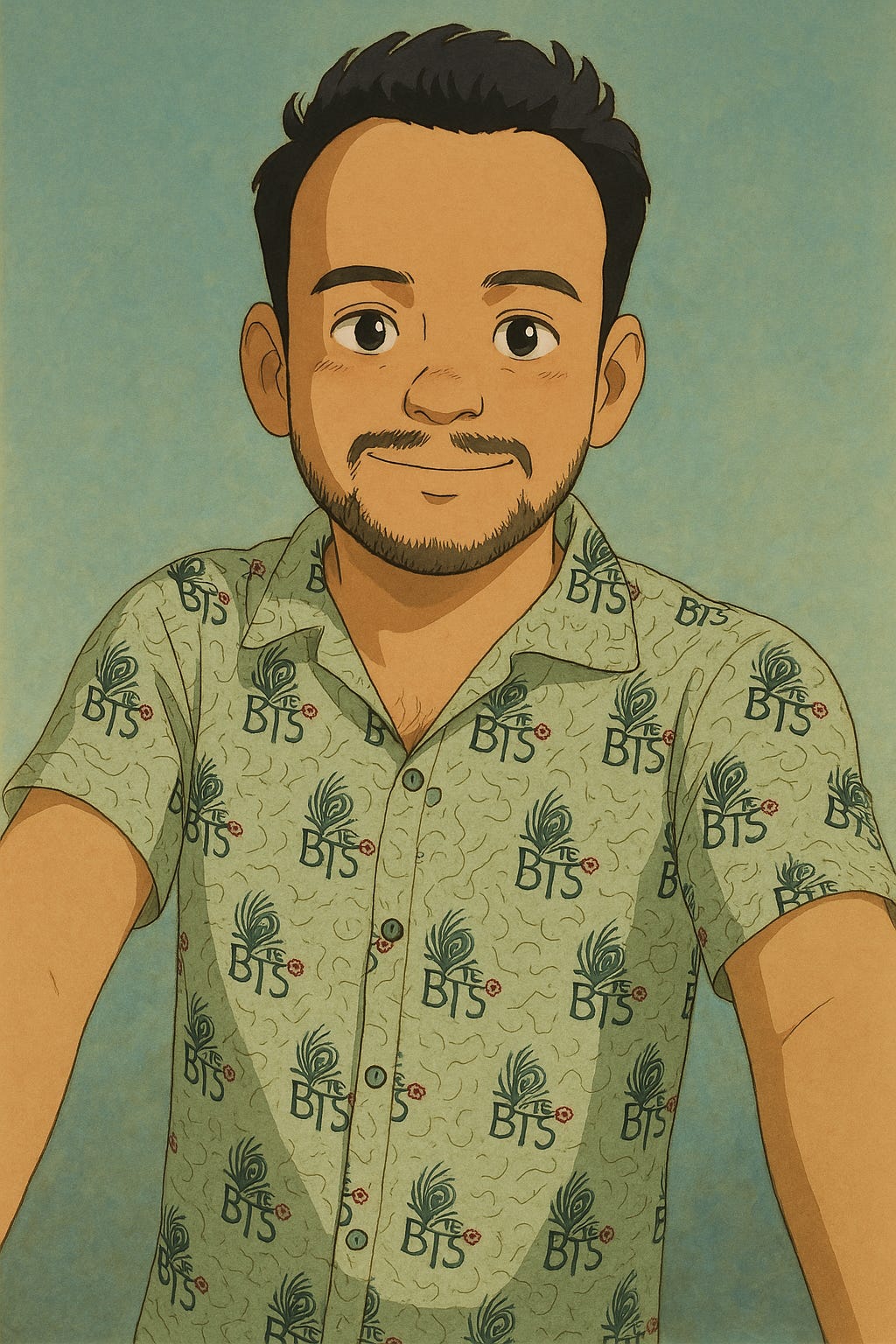
In one example (above), an image of an individual working at a desk that had been uploaded was transformed into a Studio Ghibli-style illustration. The AI retained the basic details such as the desk setup and monitors but reinterpreted them with soft lighting and design flourishes that are characteristic of Ghibli’s style.
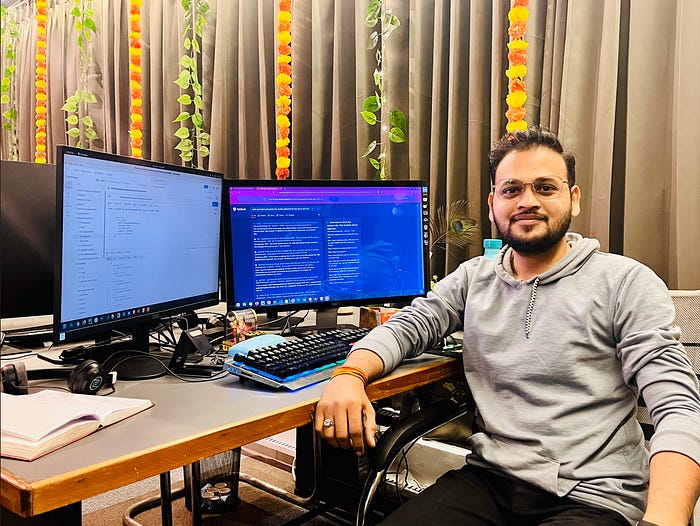
Prompt Used:
“Please could you make this a Studio Ghibli picture.”
Result:
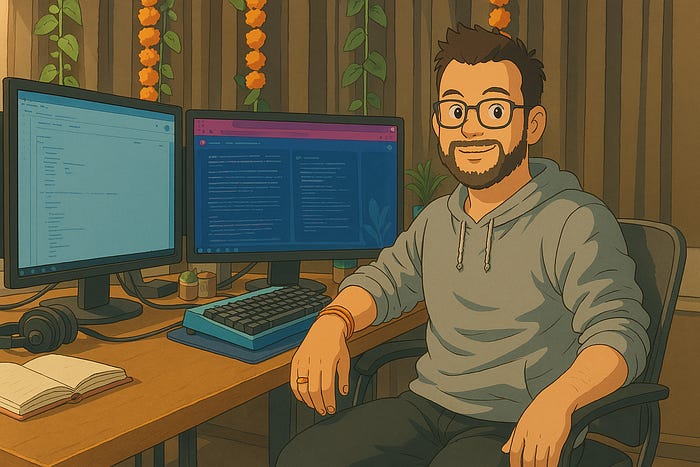
The output featured vibrant colors, smooth textures, and an anime-like charm that perfectly aligned with Studio Ghibli’s aesthetic.
Why This Feature Stands Out
Customizable Aesthetic: The ability to specify styles like Studio Ghibli enables users to create personalized artwork tailored to their needs.
Ease of Use: The intuitive interface makes it accessible even for non-designers.
Versatility: Beyond creating new images, users can edit existing ones or transform them into entirely different styles.
Tips for Crafting Effective Prompts
To achieve optimal results:
Be specific about details (e.g., colors, objects, mood).
Use adjectives to describe the style (e.g., “whimsical,” “soft,” “magical”).
Define context if necessary (e.g., “a cozy room filled with books”).
Experiment with follow-up prompts to refine details.
Conclusion
The inclusion of image creation in ChatGPT is a leap in AI development. From creating Studio Ghibli-style images to other types, this feature provides users with the power to bring their imagination to life with ease. A few clicks and a suitable prompt, and anyone can design stunning images that are comparable to professional artwork a true indication of AI’s creativity.
A Note From the Author
Thank you so much for taking the time to read the story. If you found my article helpful and interesting, please share your thoughts in the comment section, and don’t forget to share and clap 😊
Thanks for reading Follow me for more insights and resources.